
From ecommerce to operations
Send orders and customer details to your management system, and return order status or stock updates to the store within the agreed scope.
An order, enquiry or stock change should not require updating several tools by hand. We connect your applications so data reaches the right place and you can see what happened.
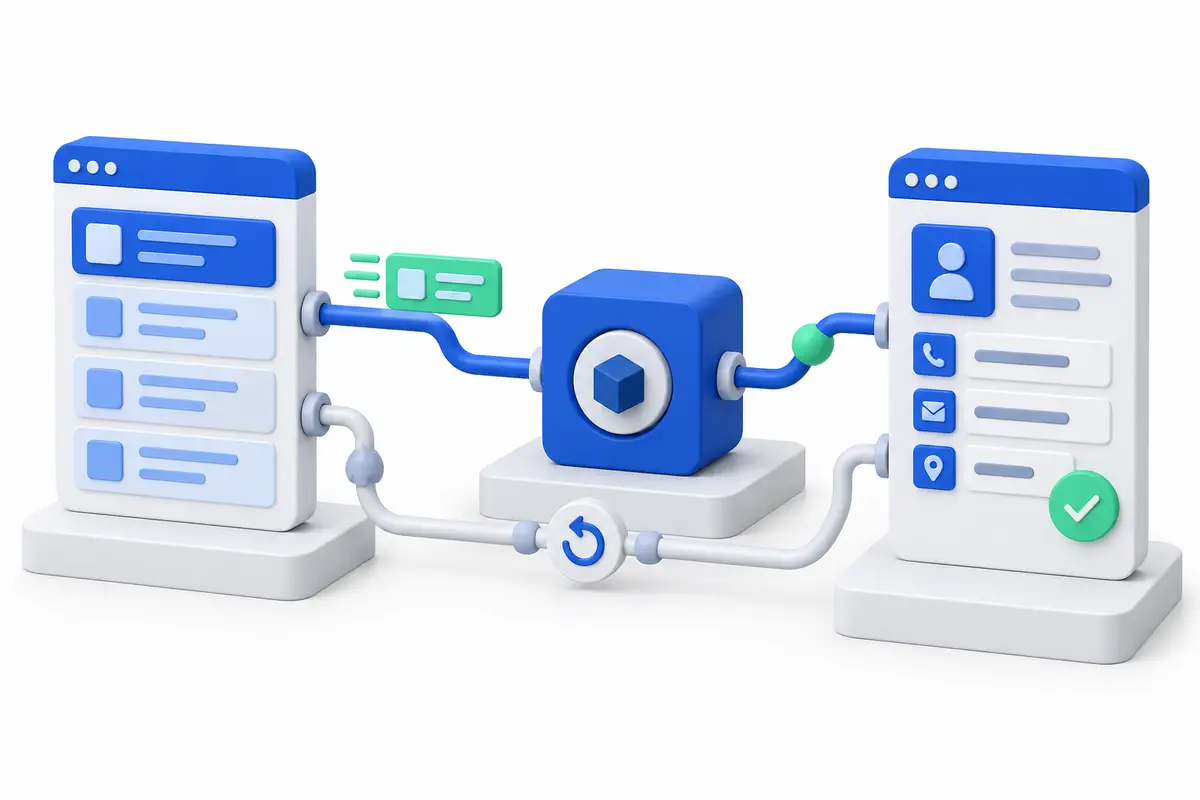
We review which information should move, which system owns it and how to handle cases needing attention.
A sale arrives through the website or email and someone enters it again in the management system. The integration connects those steps.
A repeated request needs to be recognised before another record is created. We define that check in the workflow.
An update did not arrive and nobody knows where it stopped. We provide execution logs, alerts and a way to review pending items.
Stock, prices or statuses disagree. We establish the source of each field and when other tools receive its updates.
An API lets two applications exchange information. We choose connectors, automation or custom code according to your systems and rules.
Send orders and customer details to your management system, and return order status or stock updates to the store within the agreed scope.
Record forms and contacts in your CRM, where you organise customers and opportunities, with an owner and next steps.
Connect email reading to an AI agent that extracts fields. Validate the data before sending it to the destination system.
Agree formats, required fields and the source of each value. Prepare updates across your databases and applications.
If a connection fails, the workflow can retry without creating another copy. Unresolved cases are available for review.
Access limited to what is needed, execution logs and instructions for operating the workflow. Maintenance is agreed with you.
This conceptual example shows how information moves between systems. Your project’s workflow is defined around your tools and rules.
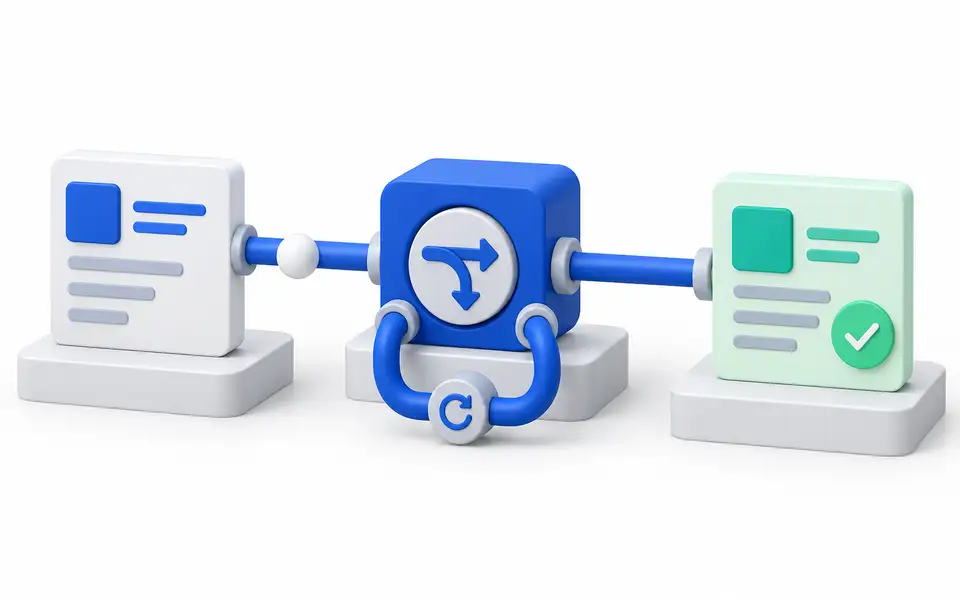
An example of synchronization, error recovery and duplicate control across systems.
Explore the workIt depends on whether there is a support contract. With support, we do: we monitor, detect the break and apply the change. Without support, delivery closes with documentation and handover, and a later update is quoted as new work. We put this in writing before starting.
Often yes, and we say so. An automation platform handles moderate-volume flows with existing connectors well. Custom code is warranted when volume, transformation rules or audit requirements exceed what the platform supports. Technology is chosen after the scope, not before.
A bounded integration between two systems with a documented API is measured in weeks. What stretches timelines is almost never the code: it is obtaining credentials, understanding inconsistent historical data and deciding which system is authoritative for each field.
If your operation relies on spreadsheets, emails and repeated tasks, we turn that process into a tool of your own. We build the data, screens and connections your team needs to work.
We build online stores, portals and web applications that help people buy, request a quote or complete a task. We design the journey and connect payments, data and the tools behind your operation.
With the source, destination and an example of the process, we can review access, business rules and the integration scope.