How to integrate your ERP, CRM and sales process

The data flow between ERP, CRM and sales, how to test it before switching it on, and the four failures that always appear weeks after connecting it.

Published · Neterius

Connecting your ERP to your CRM looks like a credentials problem and ends up being a decisions problem. These are the decisions to make before writing any code, and the failures that show up when one of them is skipped.

First: who owns each piece of data

If both the ERP and the CRM can edit the same field, sooner or later there will be two different values and someone will have to decide which one wins. That decision is made per FIELD, not per system: the price can belong to the ERP and the deal stage to the CRM.

Second: which way each thing travels

A one-way sync is considerably simpler and is often enough. A two-way sync means resolving conflicts and doubles the surface for errors. Start one way and extend it only if the process really needs it.

The minimum inventory before you start

  • Which systems are involved, which version, and what access they offer (API, database, files).
  • Who owns each piece of data, and who decides when two systems disagree.
  • The approximate volume: records per day and known peaks, such as month-end close.
  • What happens today when a value does not match, and who fixes it.
  • Whether test environments exist, with separate credentials.

The flow, step by step

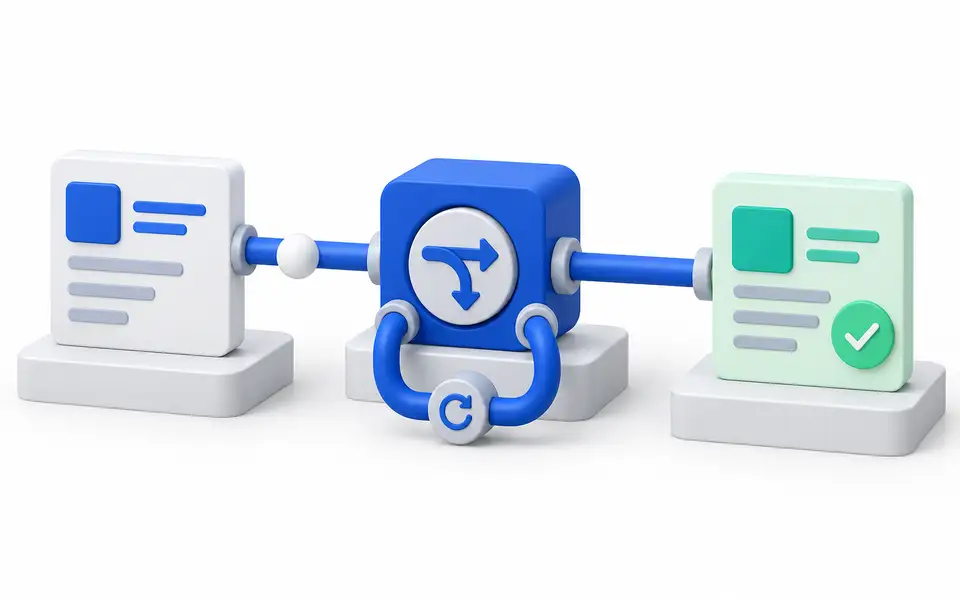
  • A record changes in the source system and an event is emitted, or the change is picked up by a periodic query.
  • It is transformed into the destination format, deciding what to do with fields the destination does not accept.
  • It is written with an idempotency key that is stable across both systems.
  • The result is logged. If it fails, it is retried with an increasing delay.
  • Once retries run out, the record goes to a review queue, never into the void.

The four failures that always appear

  • Duplicates from retries. Without an idempotency key, every retry creates a new record. You find out at month-end, when the totals do not match.
  • Silence. Without an execution log and alerts, a customer discovers the error. A flow that fails silently is worse than not having one.
  • API changes with no owner. The vendor ships an update and nobody knows whose job the fix is. That is settled by contract, not by goodwill.
  • Inconsistent historical data. What delays a project most is not the code: it is discovering that one field meant three different things depending on the year.

How to test it before switching it on

In a test environment, with failures triggered on purpose: expired credentials, an empty required field, the same record sent twice and the destination system down. If the integration survives those four cases, it survives daily use. Historical data is loaded separately, in small batches, with counts that can be reconciled.

What you should receive at the end

  • The field mapping, documented, with the owner of each field.
  • The execution log and alerts, and who they notify.
  • The procedure to reprocess a record from the review queue.
  • The agreed owner for when a vendor changes its API.

How to tell whether you need code or a platform is enough

An automation platform handles moderate-volume flows with existing connectors well. Custom code makes sense when the volume, the transformation rules or the audit requirements go beyond what the platform supports. The technology is chosen after the scope, never before. If you are looking for someone to build it, this is our API integration service.

Frequently asked questions

How long does it take to integrate an ERP with a CRM?

It depends on how many objects move, the quality of the data and each system’s APIs. A one-way sync of a few objects is usually measured in weeks; historical migration or complex rules make it longer. The initial assessment sets the scope and phases before quoting.

Are platforms such as Zapier, Make or n8n good enough?

Yes, for moderate-volume flows with existing connectors. Look at the cost per execution, how they log errors and who maintains the flows. When the volume or the rules exceed what they support, custom code is the better fit.

What if my ERP has no API?

There are alternatives, each with its own cost: controlled database reads, scheduled file exports or, as a last resort, automating the user interface. The choice depends on what the vendor allows and the acceptable risk.

Do we have to migrate all historical data?

Not always. Active records are often enough, and the rest can be looked up in the original system. Cleaning history is usually the slowest part of the project, so decide it at the start.

The demo shows the error case

A flow with fictional data: a successful sync, an API error and the recovery of the record without duplicating it.

Related services

Which systems do you need to connect?

Tell us the source, the destination and what should happen when something fails.